Everything about a guest on one page
Booking, payments, room, diet notes, documents and history. Each part saves itself; there is no Save button to forget.
Eventvoi reads the booking emails your shop already sends and prepares each booking. Your team approves it, or lets clear ones apply themselves. Rooms, money owed, documents and the list at the door follow from there.
No sign-up: your own private copy of a sample festival with about 75 guests, deleted after 24 hours. Nothing is sent from it.

Every sale on your website sends an email. Someone on your team copies it into a spreadsheet: who is coming, what they paid, which room. Then come the payment reminders, the documents to sign, the room plan, the list for the venue and the list at the door.
The facts about each guest end up spread over emails, sheets and chats. That is where a diet, a bed or money still owed gets forgotten.
Your organization gets one booking address. Send your shop's booking and payment emails to it, or import a spreadsheet.
Each email becomes a prepared booking or payment. Clear ones go in with one click. When something is unclear, you get one question with answer buttons, or the email beside it to check.
Rooms, what each guest still owes, documents to sign, guest emails and check-in at the door all follow from the same list.
Booking, payments, room, diet notes, documents and history. Each part saves itself; there is no Save button to forget.

Filters are tick boxes with a count beside each choice. What a booking still owes sits on its row, with Record payment beside it.

Paste your list of rooms. Tap a person, then a free bed, or let “Suggest placement” propose a plan. Export the rooming list for the venue or hotel, extra nights included.

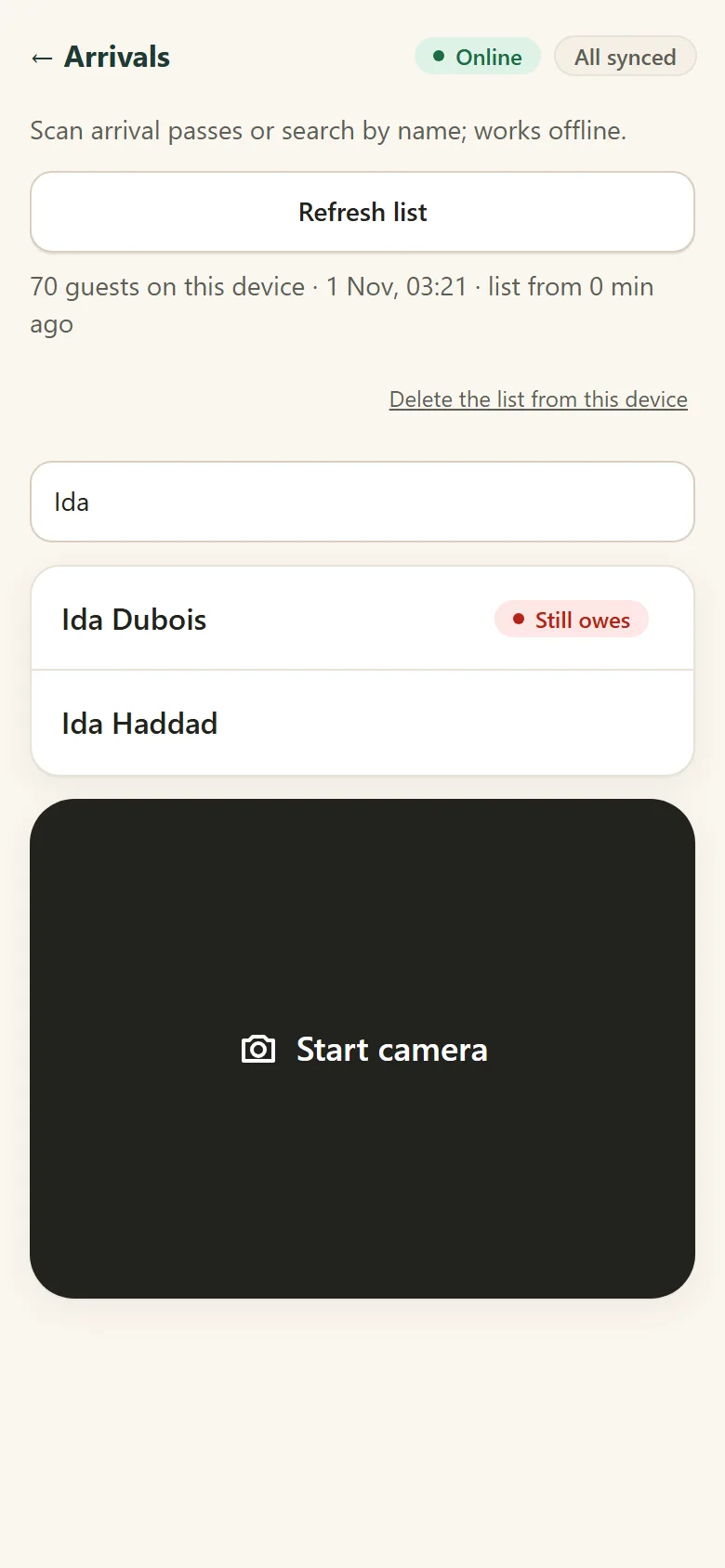
Easy, quick check-in with QR code scanning, or type a name. Green means go in; red says why. If money is still owed, record it at the door or check the guest in as “still owes”.
Download the guest list to the phone first, and the door keeps working when the internet does not.
Every booking email is kept and shown to a person until it is dealt with. The same email never books someone twice.
Import your shop's export and Eventvoi lists the orders it never saw and any status or amount that differs.
Diet and health details are never applied from an email without a person, are seen only by the levels you allow, and are deleted 30 days after the event.
Each guest's History says who changed what and when, including changes that came from an email. The everyday actions have Undo.
Finances tracks what was charged, paid and is still owed, and the expenses, in each currency. It comes from what your team records and the emails, not live bank data. A rough view to steer by, not accounting.

Everyone who organizes events of about 10 to 500 participants, and larger: wellness festivals, music festivals, retreats, breathwork, yoga, and all kinds of events that need participant tracking with rooming and check-in.
Add team members and check-in staff to administrate the system easily.
No sign-up: your own private copy of a sample festival with about 75 guests, deleted after 24 hours. Nothing is sent from it.
No subscription fees. No limit on team members. An easy payment plan: per event and participant. No events, no participants, no cost.
1.50 USD per paying participant per event: the founding price until the end of 2026.